Ona Health
Chats

One messenger for the whole clinic — staff, patients, everyone.

HIPAA-grade chat with a familiar shape: direct messages between teammates, group channels for departments, and one-to-one threads with patients. Audit-trailed, role-scoped, and tied to the chart — so clinic conversations finally live in one place.

  • Direct messages
  • Group chats
  • Patient threads
  • Pin to a chart

A clinic runs on quiet conversations. “Can you grab room 3.” “The Garcia lab came back weird.” “Hey doc, my throat is still sore — should I come back in?” Today most of those messages happen across iMessage, personal SMS, and shared inboxes — outside any clinical system, outside any compliance boundary.

Ona Chats is one messenger for all of it — staff and patients, one-to-one and groups. Familiar shape: direct messages, channels, group chats, threads. Serious underneath: HIPAA-grade, role-scoped, pinnable to the chart.
Chats
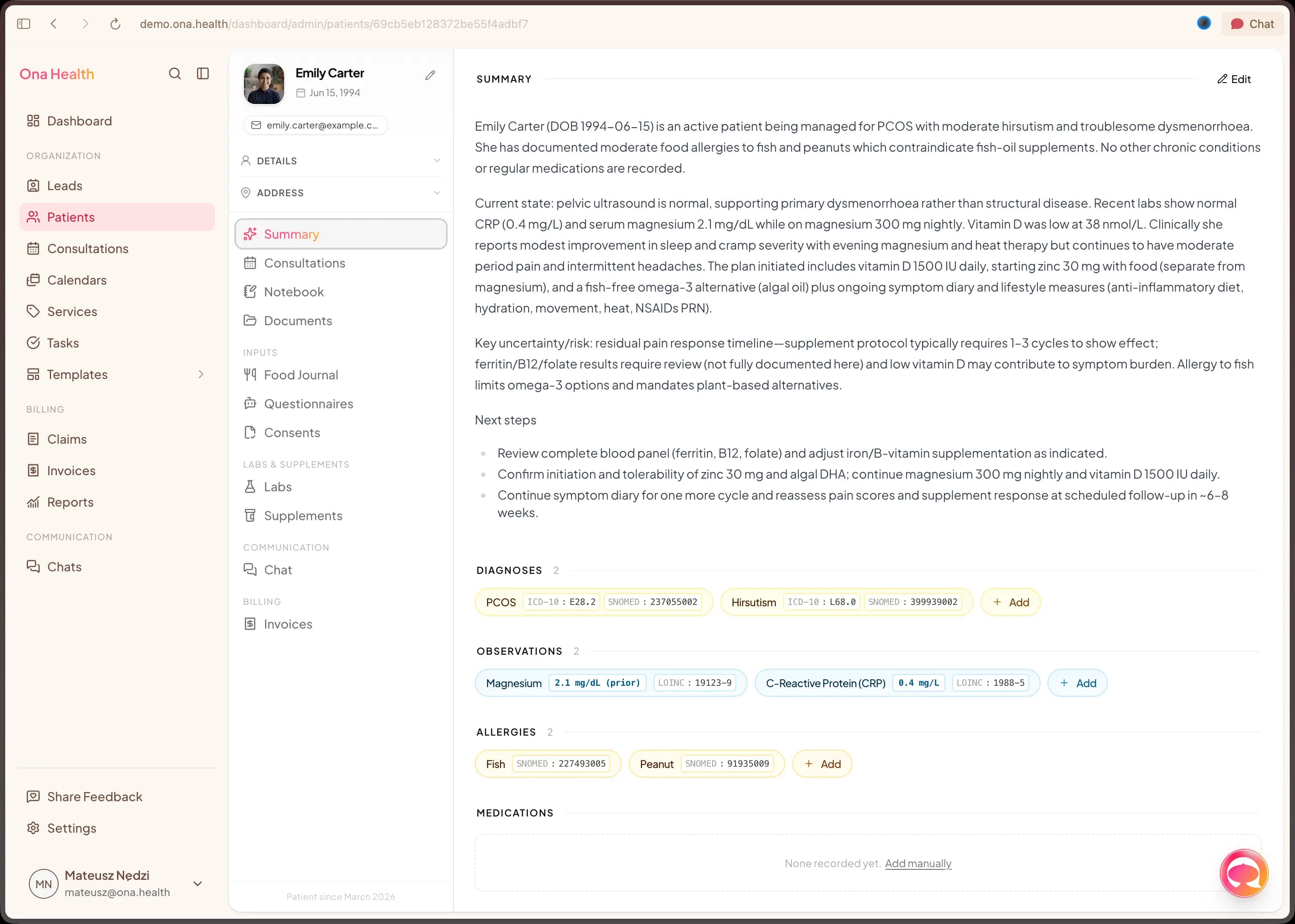
A team channel on the left, a patient thread on the right — same product, separate permissions, both tied to the chart.

01 · The compliance gap

iMessage about a patient is still a HIPAA incident.

Nobody wants to hear it, but it's true — and somewhere in your clinic it's happening right now.

Banning tools doesn't work. Staff will chat — they need to, to run the clinic. Patients will message — they expect to, like they message everyone else. The question is whether those conversations live in a logged, encrypted, role-scoped system, or a consumer texting app with zero trail.

Chats in Ona is the version your compliance officer can live with and your whole clinic — team and patients — will actually adopt: one interface, sensible permissions, context that stays inside the clinical record.

02 · What you get

A messenger that handles every clinic conversation.

Direct messages between teammates

One-to-one messages between providers, MAs, billing and front-desk — the quick stuff that used to live in iMessage, now on-platform with the chart one click away.

Channels for the team

#front-desk, #clinical, #billing, #on-call. Public channels everyone can find, private ones for sensitive topics, location-scoped channels for multi-site groups.

Group chats for the moment

Spin up a group for a complex case, a covering rotation, or a partner integration. Membership is role-aware; every join, leave, and rename is in the audit log.

Patient ↔ clinician threads

Each patient has a direct thread with their care team — opened from the chart, replied to from the same app your team already lives in. No personal phones, no SMS gymnastics.

Pin chat to a chart

“Pin to Garcia, M.” turns a message or thread into part of the patient record. The context travels with the patient, forever. Covering providers pick up with the full picture.

Threads, mentions, attachments

Threaded replies keep busy channels readable. @mentions pull a teammate in without paging the room. Attachments — labs, images, documents — encrypted at rest and scoped to the workspace.

Role-scoped by default

Patients only see their own thread. Clinicians only see the rooms they belong to. Admins can audit, but visibility is governed by role — not by who happened to be added.

Encrypted, audit-trailed

Messages, edits, and membership changes are encrypted in transit and at rest. Every event is timestamped with author and recipient list — internal channels and patient threads share the same audit trail.

03 · Patient-linked by design

Conversations that stay with the chart.

  1. Talk to your team without derailing the chart

    Quick question about a patient? DM a colleague, start a group, or post in a channel. Every message attached to a patient record is tagged for the audit log automatically.
  2. Reply to patients from the same app

    Patient messages from the portal land in the same surface your team already uses, with the patient's chart one click away. The clinician's personal phone never gets touched.
  3. Turn chat into decisions

    “Agreed, let's run labs.” → create a task, assign it, link the message. The decision is captured, not lost to scroll.
  4. Hand off cleanly

    @mention to transfer ownership; the thread travels with the case. Pin the summary and the next provider has the handoff notes without anyone re-typing them.

The thing I love most is the quietest one — my team stopped texting me after hours, and patients stopped texting my personal cell. It all lives in Ona now, with notification rules my team actually respects.

Dr. Priya RamanOwner · Clarity Mental Health

04 · In practice

One messenger, shaped to your clinic.

Multi-location groups

Per-location channels, shared admin.

#sf-front-desk, #la-front-desk, #all-leadership. Clear separation, shared directory. Patients only see their own thread regardless of which location they belong to.

Clinician + MA pairs

Care-team rooms next to patient threads.

Pair-level rooms for provider + MA pre- and post-visit; the patient's direct thread opens from the chart in the same app. One context, two rooms, no tab-switching.

Concierge & membership

Direct access without personal-phone burnout.

Members get a dedicated thread with their care team inside Ona — no SMS, no personal cells. Standing guidance and after-hours rules sit at the top of the thread.

On-call rotations

The on-call thread follows the rotation.

Who's on-call this week? The channel membership updates automatically from your schedule, so paging routes to whoever's actually carrying the pager.

Vendor / partner comms

External channels, still compliant.

Invite a lab, a pharmacy, or a consulting provider into a scoped group. They see what they need, nothing more — and the audit log captures every message both ways.

Behavioral health

Structured check-ins between sessions.

Patients reach out between sessions in a scoped, reviewable thread. Quiet hours and standing guidance sit at the top; the thread lives with the chart, not a personal inbox.

FAQ

Common questions.

Is this one product for both staff and patients?
Yes — that's the point. One messenger, two audiences. Staff use channels, direct messages, and group chats. Patients have a direct thread with their care team. Role controls keep the two cleanly separated; patients only ever see their own thread.
Can we create group chats?
Yes. Spin up a group for a complex case, a covering rotation, a department, or an external partner (a lab, a pharmacy, a referring clinician). Membership is role-aware and every join, leave, and rename is in the audit log.
Is it HIPAA-compliant by default?
Yes. Messages are encrypted in transit and at rest, role-scoped to your workspace, and retained in an audit trail with user, timestamp, and recipient information. A BAA is in place with every Ona workspace.
Can patients message from their phone?
Yes — through the Ona patient portal in any modern browser. A native mobile app is on the roadmap; today patients use the portal on mobile web.
Does Ona detect emergencies automatically?
No. We don't try to detect crises from message content — that's a promise we're not ready to make. Patient threads can carry standing guidance (“call 911 for emergencies”) and your care protocols handle the rest. Smarter safety tooling is on the roadmap.
Can we migrate our Slack history?
Moving off Slack is something we help with during onboarding — we'll talk through what's worth importing and what isn't. Private DMs stay with you by design; we don't touch them.
Retention and exports?
Retention is configurable per channel type, and every message lives in the same audit log as the rest of the chart. Export by channel, patient, or workspace when you need to.
Ready when you are

One inbox for the whole clinic.

Book a fifteen-minute walkthrough — bring a real team thread and a real patient thread, and we'll show both inside Chats.